💡 Creator District Resource Hub

Turn Your Ideas, Talents, and Creativity Into Something Valuable!

Have an idea, skill, or creation to share? This is where you can learn how to build a shop, draft listings, set fair prices, and sell to approved members of your KidEconomy community-all with adult guidance every step of the way.

Kid Economy mascot wearing a creator apron and holding a glowing Creator District sign

🚀 Creator Launchpad

Your 7-Step Path to Opening Shop

Every creator in the district follows the same trail. Take it one step at a time-your parent walks it with you.

  1. 📦
    1

    Choose What You Want to Offer

    Decide whether you want to sell a handmade item, a digital download, or offer a helpful service.

  2. ✏️
    2

    Name & Personalize Your Shop

    Pick a unique shop name and describe what you create.

  3. 📄
    3

    Create Your First Listing

    Draft a title, description, price, delivery method, and estimated completion time.

  4. 🧮
    4

    Set Your Price

    Calculate your supply costs and time to find a fair starting price.

  5. 🚚
    5

    Choose How You Will Deliver It

    Select in-person drop-off, digital delivery, or service completion.

  6. 🛡️
    6

    Get Adult Approval

    A parent or guardian reviews your shop and listings before anything goes live.

  7. 🏪
    7

    Open Your Shop

    Once approved, your listings appear in your community's Marketplace.

🎨 Idea Directory

What Can I Sell?

Four kinds of market stalls line the Creator District. Find the one that fits what you love doing.

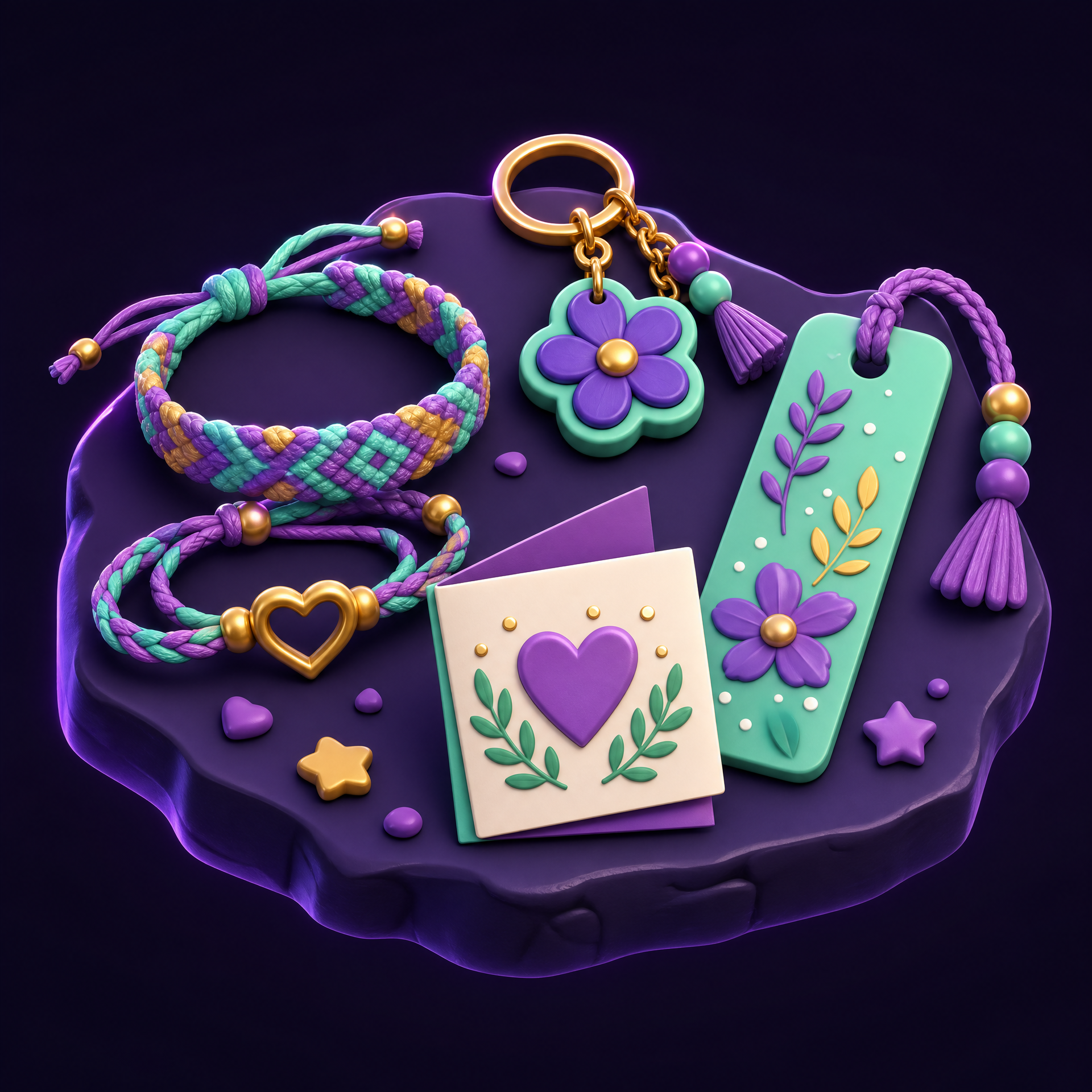
Things I Make illustration
Crafts & Physical Items

Things I Make

  • Bracelets, keychains, bookmarks, or simple crafts
  • Drawings, paintings, or personalized artwork
  • Greeting cards and invitations
  • Slime, decorated pencils, or school-spirit items
  • Baked goods (where permitted and supervised)
  • Small plants or seedlings
  • Custom gift baskets
  • School locker or desk decorations
Things I Can Do illustration
Services

Things I Can Do

Services are strictly offered to approved people your family knows.

  • Tutor a younger student or help someone practice reading
  • Teach a beginner skill
  • Walk or play with a known family's dog
  • Water plants for a neighbor
  • Help organize a room, shelf, or play area
  • Assist with technology or wrap gifts
  • Help prepare for a party or create a playlist
  • Take simple family or pet photos
  • Help younger children practice a sport
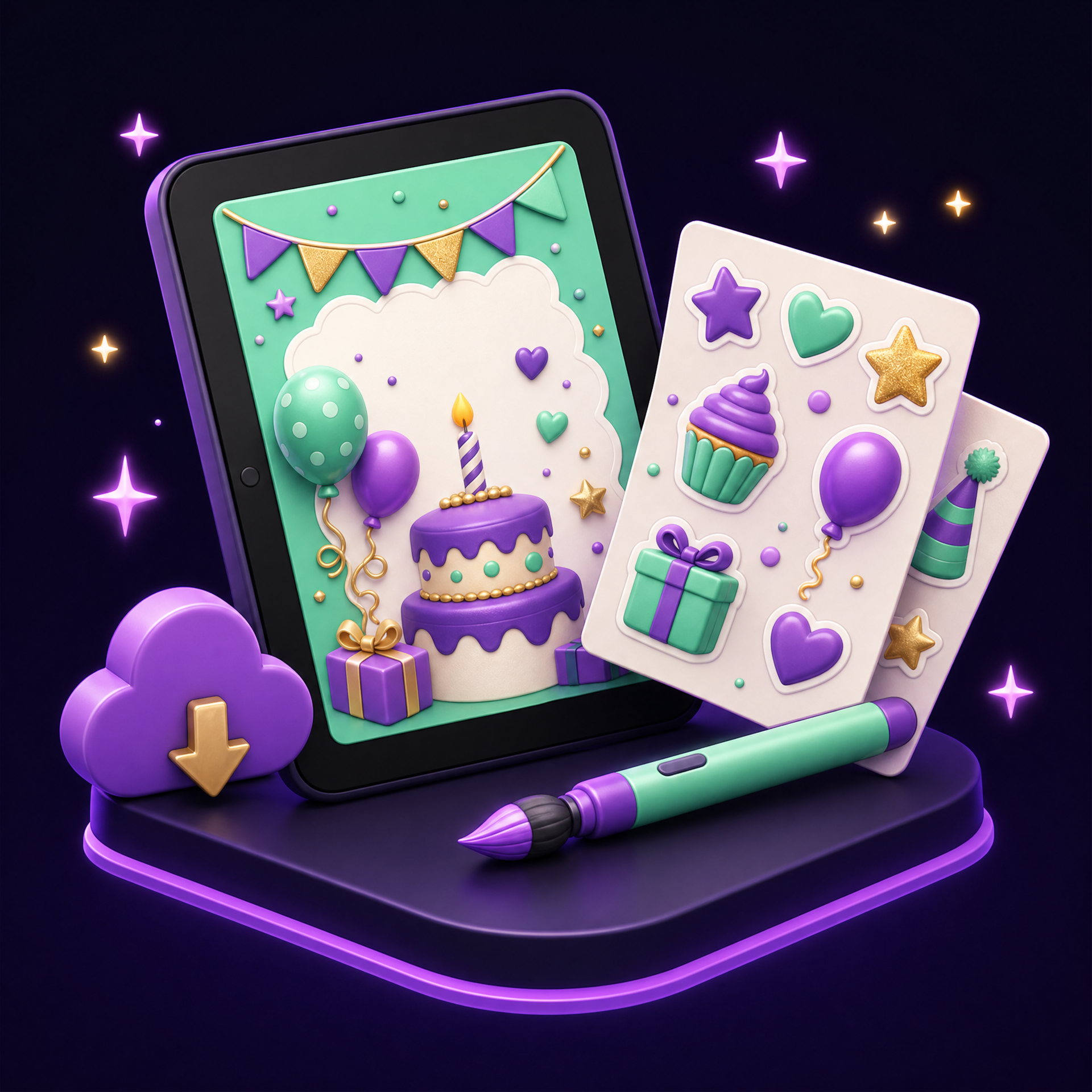
Digital Goods illustration
No Shipping Required

Digital Goods

  • Birthday invitations and thank-you cards
  • Printable coloring pages and digital stickers
  • Phone or tablet wallpapers
  • Study guides, flashcards, reading logs, and chore/reward charts
  • Worksheets for younger grades, multiplication practice, and spelling games
  • Scavenger hunts and party games
  • Personalized certificates and digital artwork
  • Bookmarks to print at home and presentation templates
  • Sports practice trackers and family meal-planning sheets
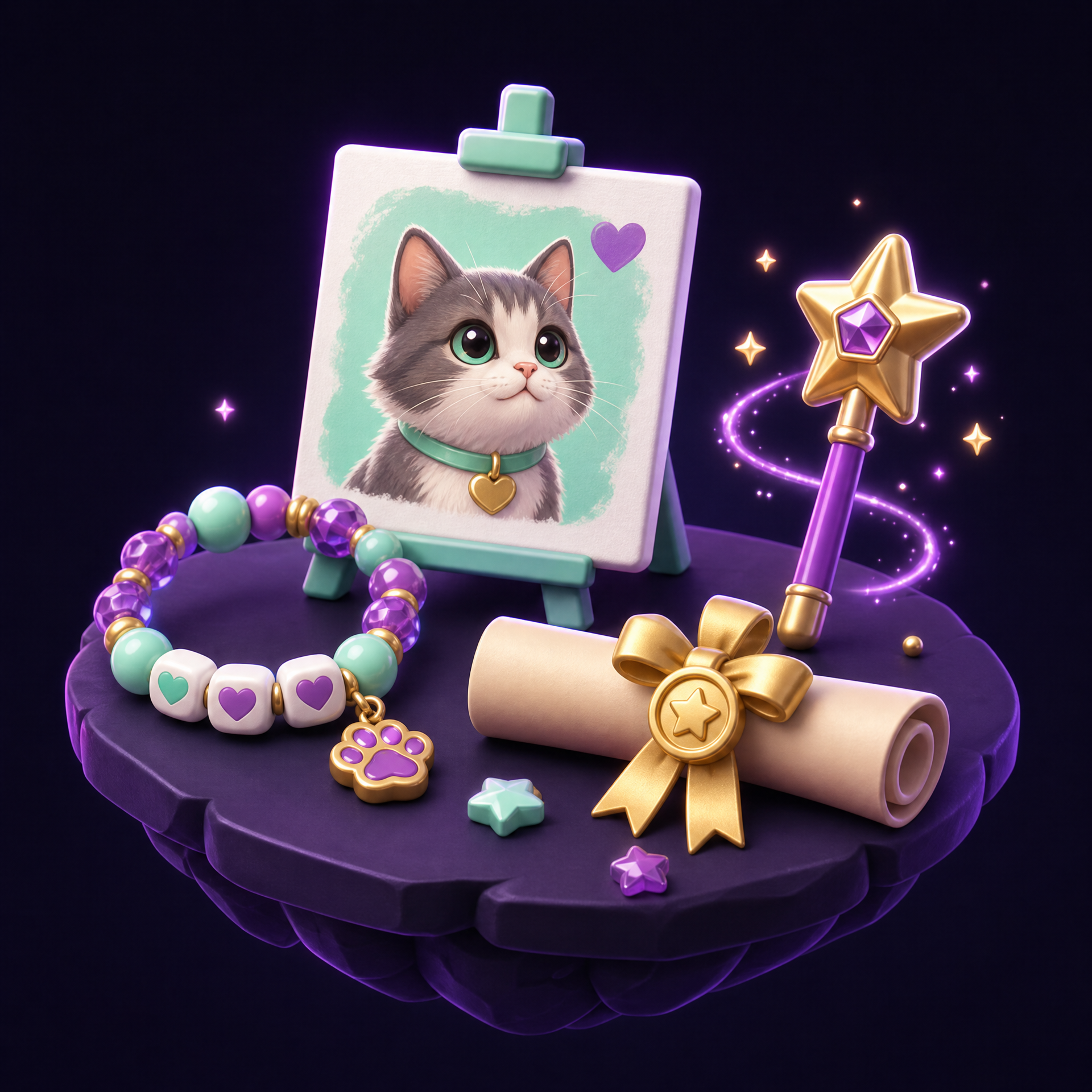
Custom Creations illustration
Made-to-Order

Custom Creations

  • A personalized drawing of someone's pet
  • A custom birthday invitation or specific test study guide
  • A handmade bracelet in requested colors
  • A personalized chore chart or custom worksheet
  • A short video greeting
  • A themed scavenger hunt or family trivia game
The Creator Idea Quiz

Need Help Finding an Idea?

Ask yourself these 5 questions with your parent or guardian:

  1. 1What hobbies or activities do you enjoy most?
  2. 2Do you want to make something physical, digital, or provide a service?
  3. 3How much time do you have to spend on your shop each week?
  4. 4Do you want to sell an item once or offer it repeatedly?
  5. 5What supplies do you already have at home?

📋 Listing Builder Guide

Craft a Listing Buyers Can Trust

Every great listing answers the buyer's questions before they ask. Here's everything your shop window needs.

Sample Listing Preview Example

Custom Birthday Invitation

Digital Item

6

Tokens

A personalized digital invitation with your party theme, name, date, and colors. Includes 2 free revisions. Ready within 3 days.

Completion

3 days

Delivery

Digital, in KidEconomy

Buyer Provides

Theme, name, date

Revisions

2 included

🏷️

Clear Title

Give your listing a descriptive name (e.g., "Custom Birthday Invitation" instead of "My Designs").

📂

Category

Choose Product, Service, or Digital Item.

📝

Exact Description

Detail what is included, how many custom changes are allowed, and when it will be ready.

🪙

Price

Set the cost in KidEconomy Tokens.

⏱️

Completion Time

State how long it will take to complete the item.

🚚

Delivery Method

Specify how the item will be delivered.

💬

Buyer Instructions

List any details the buyer needs to provide up front (e.g., favorite color, pet name).

🔄

Revision Policy

Explain what happens if a buyer asks for adjustments.

Originality Rule

Only sell creations you made yourself or have official permission to use.

🧮 Pricing Workshop

The Simple Pricing Formula

Inside the Treasury of the district, every fair price respects your supplies, your time, and your buyer.

Supplies

Supply Cost

Your Time

Payment for Your Time

Price

Starting Price

Practical Example - Friendship Bracelet

3

Tokens for supplies

5

Tokens for time & effort

8

Suggested starting price

6 Rules Every Creator Should Know

📈

Price vs. Profit

Revenue is what you collect; profit is what you keep after paying for your supplies.

⚠️

Don't Underprice Your Work

Charging too little means you won't earn enough for your time and materials.

🖌️

Price Custom Work Fairly

Extra customization and detail require extra time and effort.

🎁

Offer Bundles

Group related items together to offer a special set.

🤝

Honor Your Price

Never change a price after an order has been accepted.

🐷

Plan for Mistakes

Include extra material costs in your budget in case you need to redo something.

🛡️ Safety First

Safe Selling to People You Know

The district gates only open because every exchange is protected. These rules keep it that way.

The KidEconomy Safety Promise

Parent Approval Required

A parent or guardian approves all community members, shop profiles, and listings before any sales happen.

🚫

No Direct Messaging

Kids do not communicate directly with buyers. All order details, questions, and updates are managed by parents and guardians.

🔒

Protect Private Information

Never share your home address, school name, phone number, or passwords.

👨‍👩‍👧

Adult-Coordinated Exchanges

Adults coordinate all pick-ups, hand-offs, and drop-offs. Never meet a buyer alone.

📍

Approved Locations

Physical items must be exchanged at home with an adult present, at school (where permitted), or at another parent-approved location.

📦

Approved Items Only

No prohibited, unsafe, age-restricted, copied, or inappropriate products allowed.

🚚 How Delivery Works

Three Safe Routes Out of the District

Whatever you sell, there's a parent-supervised way to get it to your buyer.

🤲Physical Items

In-Person Handoff

Handed directly to someone you know. Parents arrange time/location and must be present during exchange.

💾Files & Printables

Digital Delivery

Delivered safely inside KidEconomy-no personal email addresses are ever shared.

📅Tasks & Lessons

Service Delivery

Pre-approved time, location, adult supervision, and completion criteria set in advance by parents.

Every Order's Journey

1Order Requested
2Parent Approval Needed
3Accepted
4In Progress
5Ready for Delivery
6Delivered
7Completed

📊 Managing Your Orders

Your Creator Dashboard

Once your stall opens, every order travels through four simple dashboard stations.

Sample Dashboard - numbers shown are examples
📥2

New Requests

Orders waiting for your parent to review and accept.

🔨1

Work in Progress

Items you are currently making or completing.

📦1

Ready to Deliver

Completed work waiting for parent approval and hand-off.

🏆12

Completed Orders

Past sales and total tokens earned.

96 tokens earned so far

Creator Tips

⏱️

Check Your Schedule

Make sure you have enough time to finish an order before asking your parent to accept it.

Need Details?

Ask your parent to reach out to the buyer if you need more information before starting.

📢

Running Late?

Tell your parent right away so they can update the buyer.

Quality Check

Double-check that your finished work matches your listing description before handing it over.

Creator Best Practices

Habits of Great Creators

The best shops in the district all share the same habits. Start practicing them from your very first listing.

Creator District workshop village at night 📍 Creator District - after dark

Write Clear Listings

Make sure buyers know exactly what they are receiving.

Take Clear Photos

Use good light and neat backgrounds to show off your products.

Set Fair Prices

Value your time and cover your material costs.

Deliver What You Promised

Complete orders accurately and on time.

Keep Private Info Safe

Always protect your personal details and rely on your parent for all communications.

Track Your Earnings

Keep record of how many tokens you spend on supplies versus what you earn.

Keep Improving

Learn from experience and update listings that aren't getting noticed.

✦ ✦ ✦

Your First Sale Starts With One Idea

Grab a parent, pick something you love making or doing, and open your very first shop in the Creator District.

Start My Shop
Kid Economy mascot inviting you into the Creator District